 Index
> Windows > Now I'll tell you about SplView
Index
> Windows > Now I'll tell you about SplView |
| Author |
|


|
kotpankrat 26 Dec 2025, 07:42
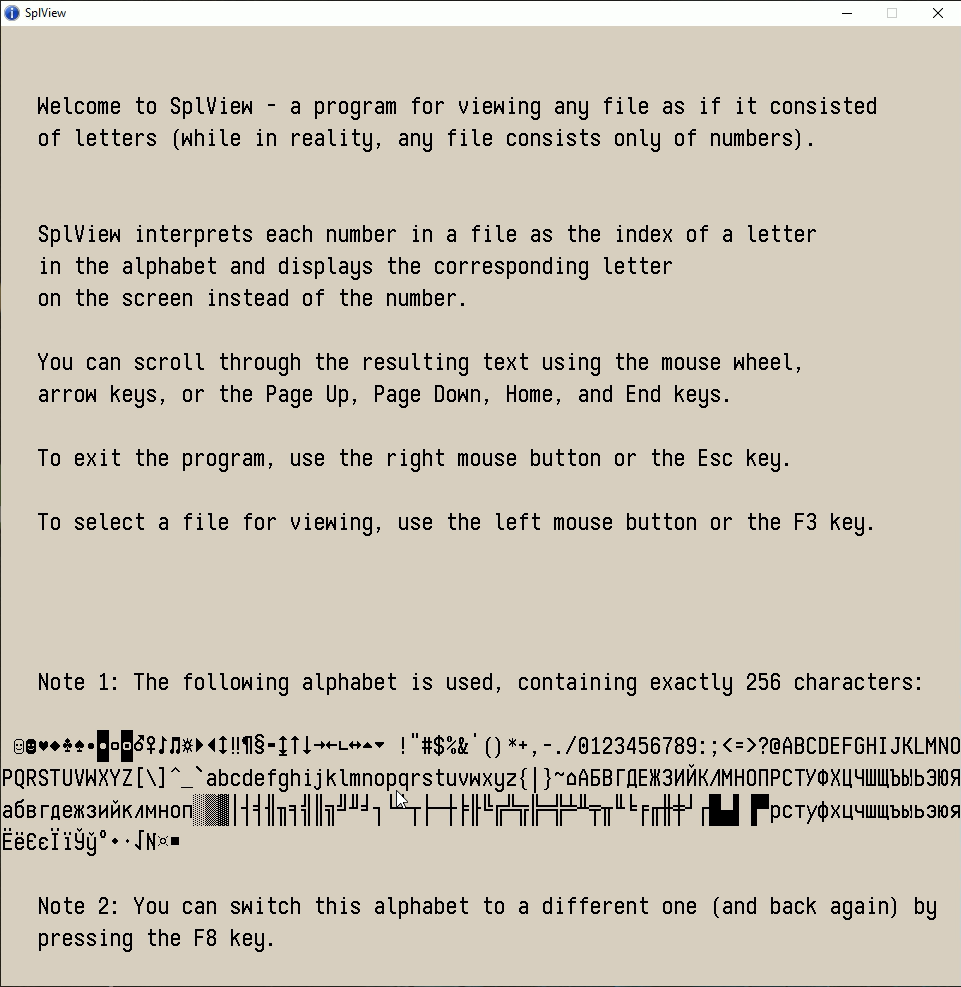
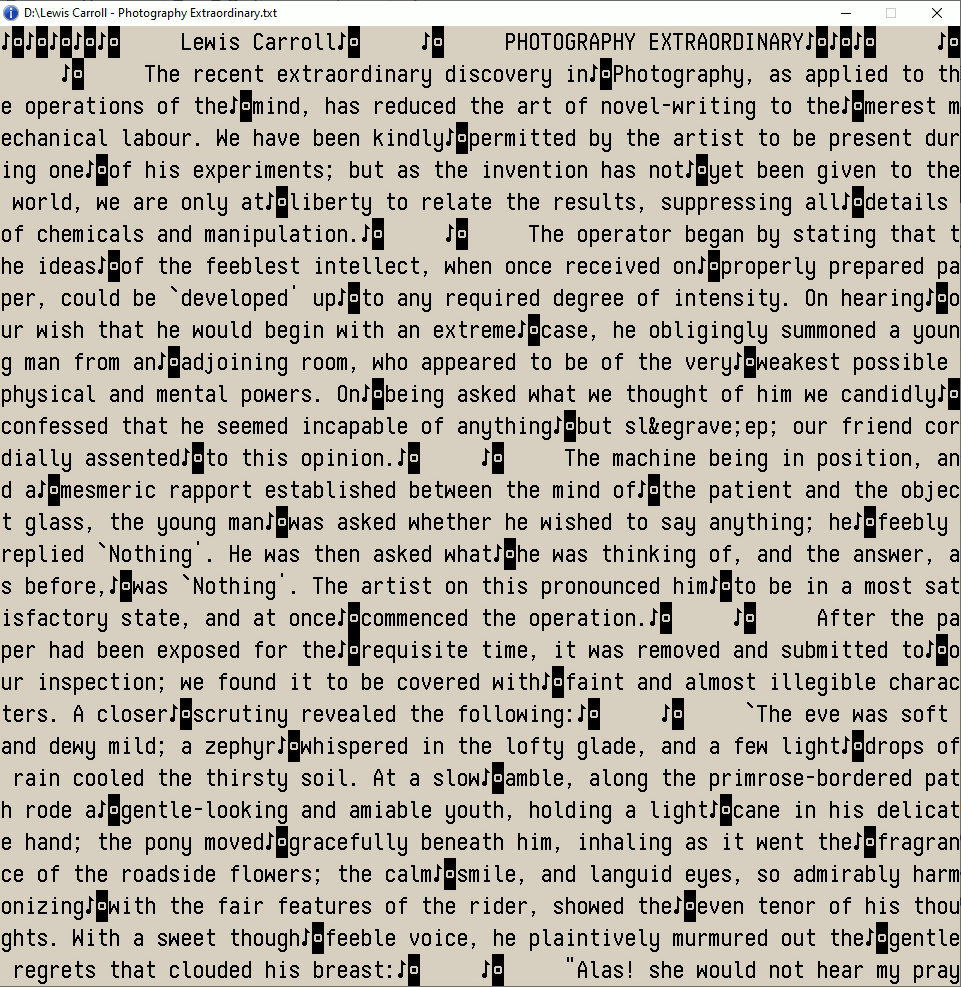
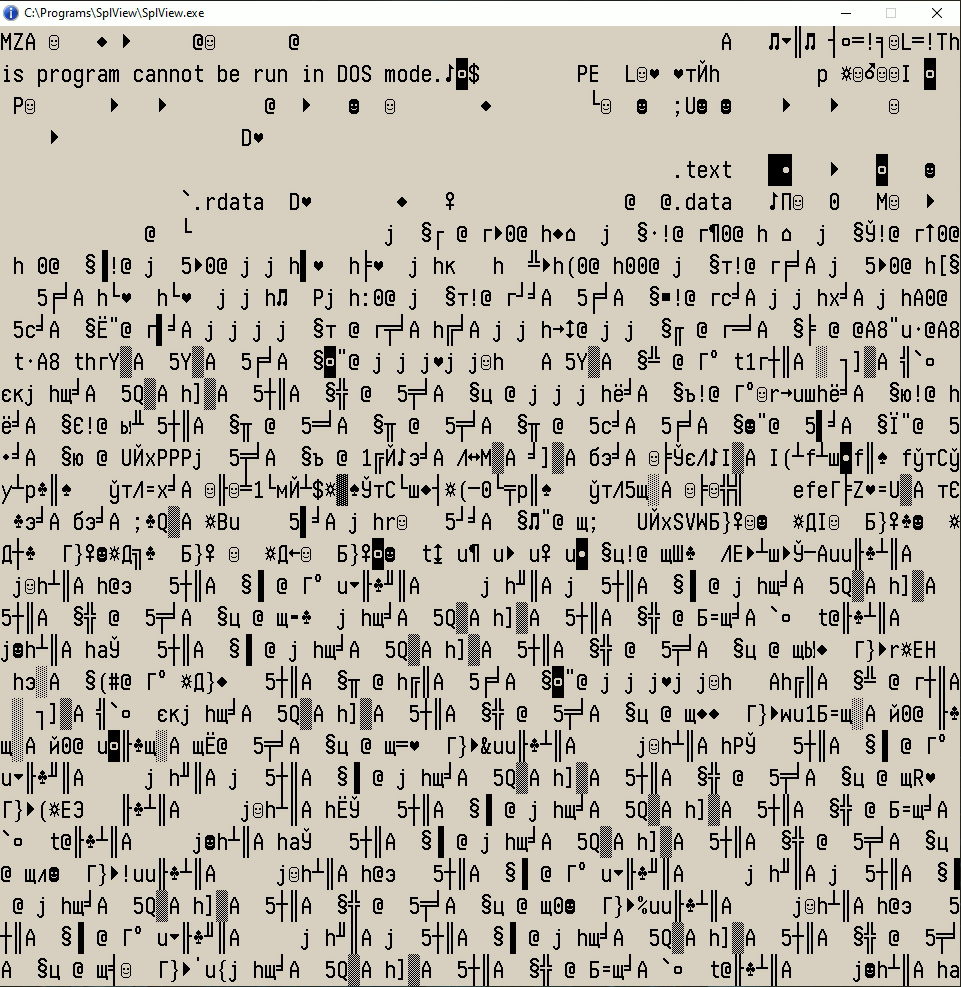
Welcome to SplView - a program for viewing any file as if it consisted of letters (while in reality, any file consists only of numbers).
SplView interprets each number in a file as the index of a letter in the alphabet and displays the corresponding letter on the screen instead of the number. You can scroll through the resulting text using the mouse wheel, arrow keys, or the Page Up, Page Down, Home, and End keys. To exit the program, use the right mouse button or the Esc key. To select a file for viewing, use the left mouse button or the F3 key. Note 1: The following alphabet is used, containing exactly 256 characters: Note 2: You can switch this alphabet to a different one (and back again) by pressing the F8 key. In addition to SplView.asm, you also need OEM.bmp and ANSI.bmp Code: proc ThrProcV, paramx align 16 splagain: invoke WaitForSingleObject,[chndl],-1 xor ecx,ecx mov [tete],ecx mov ebx,[diwi] ;How many letters are in a line on the screen. again: ;The cycle of drawing one letter on the screen. mov esi,splt ;Address of the beginning of the text - an array with letter codes. mov eax,[tete] ;A variable containing the ordinal number of the letter in the text. add esi,eax ;Already the address of a specific letter in the text. div bl ;Divide the letter number by the length of the string in letters. mov ecx,[dihe] ;Number of lines on the screen. dec ecx ;The last (top) line (numbering starts from zero). sub cl,al ;We subtract and get the line number where to draw the letter. shr ax,8 ;Now in ax is the column number where to draw the letter. mov dx,6 ;Width of letter image in bytes. mul dx ;Multiply by the width to get the offset in bytes from the left edge. xchg ecx,eax ;Now cx contains bytes from the left edge, and al contains the line number. mul ebx ;The line number is multiplied by the number of letters in the line. shl eax,5 ;And then another 32 - the height of the letter image in bytes. mov edx,6 ;Width of the letter image in bytes. mul edx ;And we also multiply by the width. mov edi,[tut] ;Address of the beginning of the image in memory. add edi,eax ;Add bytes in full lines. add edi,ecx ;Add bytes from the left edge, got space for drawing. xor eax,eax ;Write ZERO to the accumulator. lodsb ;Read the letter code. mov ecx,eax ;For now, we'll save the code here. and al,0Fh ;The remainder of division by 16 is the column number in the array of letter images. mov dl,6 ;Letter width in bytes. mul dl ;We multiply, we get bytes from the left edge. xchg ecx,eax ;Now in ecx there are bytes on the left, and in eax there is a letter code. shr al,4 ;The quotient of division by 16 letters in a line is the line number. mov ah,15 ;15 - the last (top) line (numbering from zero). sub ah,al ;We subtract and get the number of the line where the letter is drawn. xor al,al ;Clear the low byte. shl eax,1 ;Multiply by 16 letters in a string and by 32 bytes of letter height. mov edx,6 ;Width of the letter image in bytes. mul edx ;And we also multiply by the width. mov esi,[buu] ;Address of the beginning of the array of letter images in memory. add esi,eax ;Add bytes in full lines. add esi,ecx ;Add bytes from the left edge, get the address of the letter image. mov ecx,32 ;32 bytes height of letter. onebu: ;The cycle of drawing one letter. movsd ;4 bytes to move. movsw ;And move 2 more bytes. add esi,90 ;In the array of letter images, we skip 15 x 6 bytes. add edi,[dopa] ;In the array of the finished image, we skip ((letters in the line) - 1) x 6 bytes. loop onebu ;Next line of letters. inc [tete] ;Increase the letter number in the text. mov eax,[tete] cmp eax,[proi] ;Compare with last. jb again ;If less, then draw another letter. invoke SendMessage,[hspl2],STM_SETIMAGE,IMAGE_BITMAP,[IBitmap] jmp splagain endp
_________________ Mandelbrot set |
||||||||||||||||||||||||||||||
 26 Dec 2025, 07:42
 |
|
|||||||||||||||||||||||||||||


< Last Thread | Next Thread > |
Forum Rules:
|